Modern Marker Font for Web Design
As a web designer, I’m always on the lookout for fonts that add personality without sacrificing usability. Modern Marker caught my eye during a recent project for a boutique online store. The font’s quirky, handwritten style felt just right for a brand that wanted to stand out while maintaining a friendly, approachable vibe.
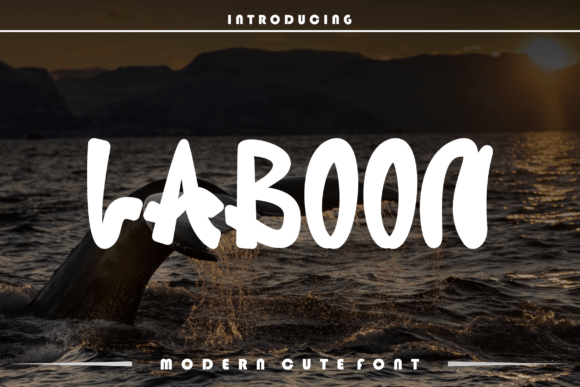
Testing Modern Marker in the hero section of the site was the first step. The font’s natural flow and slight irregularities gave it a handcrafted feel that contrasted nicely with the clean lines of the rest of the layout. It worked especially well as a headline over an image banner, drawing attention without overwhelming the viewer.
Visual Characteristics and Digital Appeal
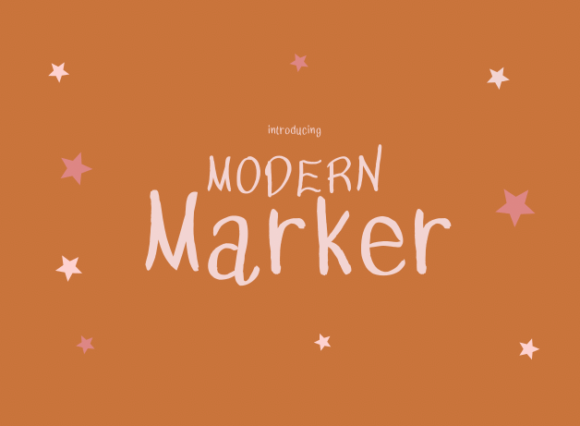
Modern Marker has a distinct personality—playful yet professional. Its strokes are uneven, giving it a handmade look that feels authentic. This makes it ideal for projects that want to convey creativity or individuality. The font’s soft curves and subtle variations make it visually engaging, especially when used in smaller text blocks or decorative accents.
It’s not the best choice for long paragraphs, but as a display font, it shines in headers, call-to-action buttons, and short phrases. Its readability improves when paired with simpler typefaces, allowing it to stand out without competing with the body text.
Real-World Applications
I’ve used Modern Marker on a coaching website, where it served as a heading for key services. The font added a personal touch that matched the brand’s tone. On a product landing page, it worked well for feature titles, helping to break up dense content and guide the user’s eye through the page.
For a creative portfolio, I experimented with using Modern Marker as a logo text alternative. It added a unique flair that made the site feel more personalized. In digital ads, the font helped create a sense of urgency and energy, making headlines more memorable.
Readability and Layout Considerations
When testing Modern Marker on mobile screens, I noticed that its legibility improved with proper spacing and contrast. On dark backgrounds, it remained clear, but on light backgrounds, it required a bit more line height to avoid looking cramped. For small buttons or icons, I opted for a bolder weight to ensure visibility.
Overlaying the font on images was another challenge. I found that using a semi-transparent background or adjusting the font color helped maintain readability without distracting from the visual content. For fast-loading pages, I made sure to use only the necessary weights and styles to keep performance optimal.
Font Pairing and Design Integration
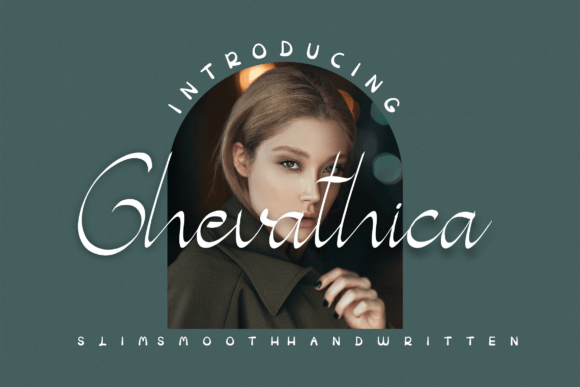
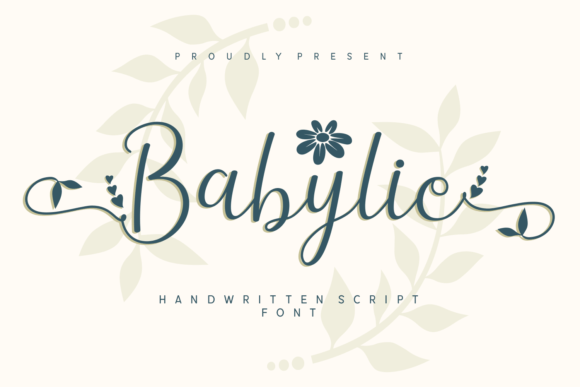
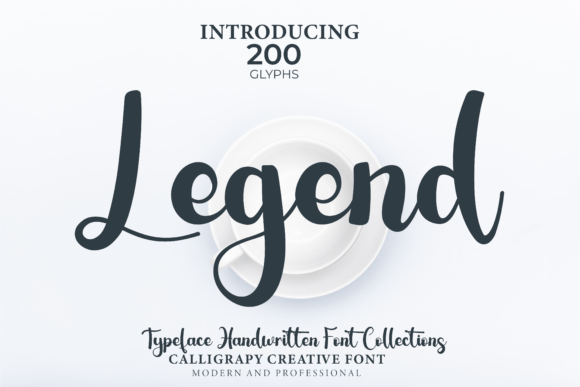
Pairing Modern Marker with a simple sans serif font like Roboto or Open Sans created a balanced look. The contrast between the decorative script and the clean sans serif made the design feel more structured while still retaining a creative edge. For editorial designs, pairing it with a serif font like Georgia or Playfair Display gave a more traditional, sophisticated feel.
In a digital brand kit, I used Modern Marker for social media graphics and email headers. Its versatility allowed it to adapt to different formats while maintaining a cohesive look. For a campaign landing page, it worked well as a subheading, reinforcing the brand’s message without overshadowing the main content.
Practical Tips for Web Designers
Before using Modern Marker on a website, check the available styles, weights, and file formats. Make sure the font includes multilingual support if your audience speaks multiple languages. Also, verify the commercial licensing terms to ensure it can be used for your specific project.
When integrating the font into a responsive layout, test it across different screen sizes and browsers. Use CSS to adjust font size, line height, and letter spacing as needed. For accessibility, ensure sufficient contrast between the text and background, especially in areas with complex imagery.
Modern Marker is a great addition to any designer’s toolkit, especially for projects that benefit from a personal, handwritten touch. Whether you’re building a creative portfolio, a coaching website, or a product landing page, this font offers a unique way to express your brand’s identity.
As I continue to explore new fonts, Modern Marker remains a go-to choice for adding character to digital layouts. Its charm and flexibility make it a valuable asset for web designers looking to create engaging, visually appealing websites.